Features
everything notegpt does
Capture, transcribe, summarize, organize. Built for students, professionals, and anyone who learns from what they hear and read.
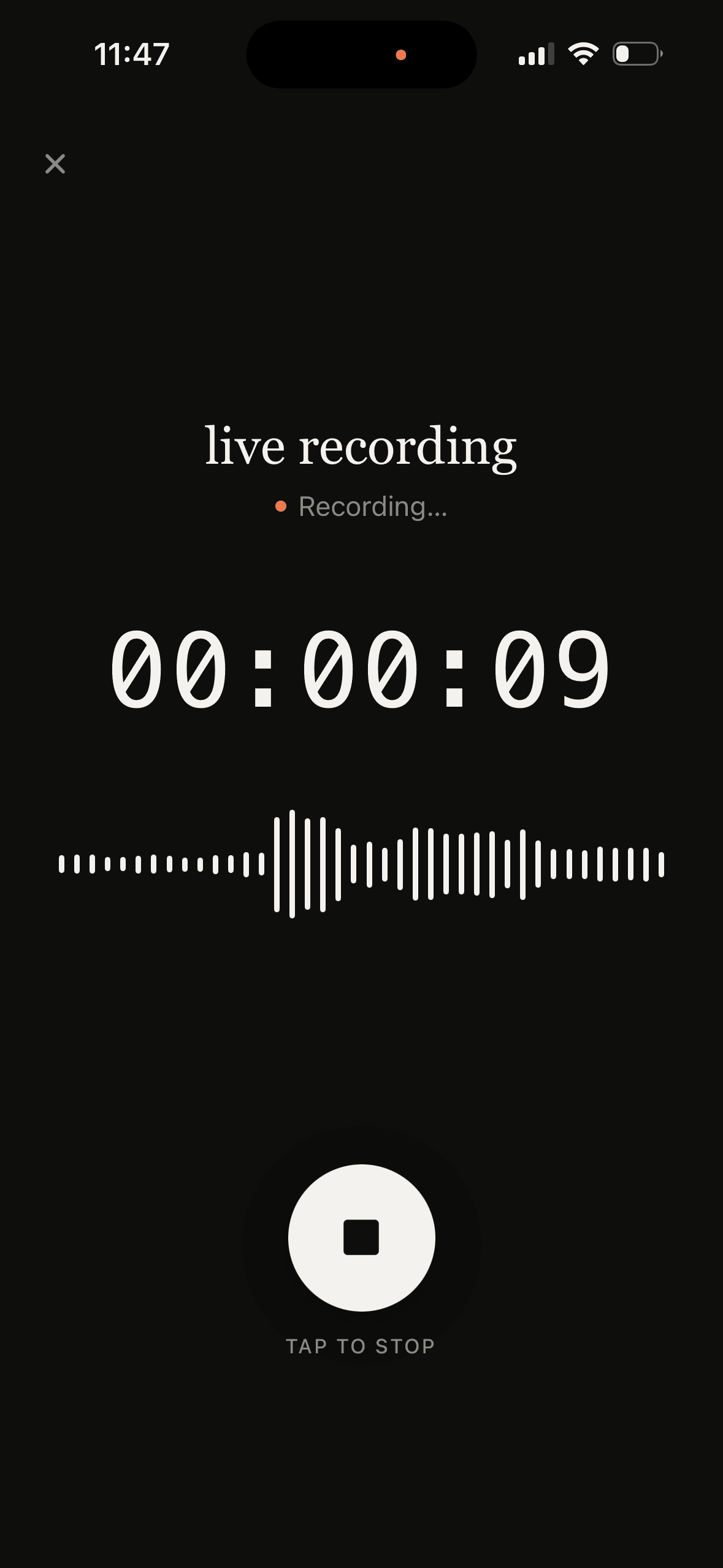
audio recording
Record lectures, meetings, podcasts — whatever you need to capture. notegpt records continuously, even when your phone is locked or you switch to another app.
After recording, notes generate automatically. The audio file stays on your phone so you can play it back anytime from the Recordings tab.
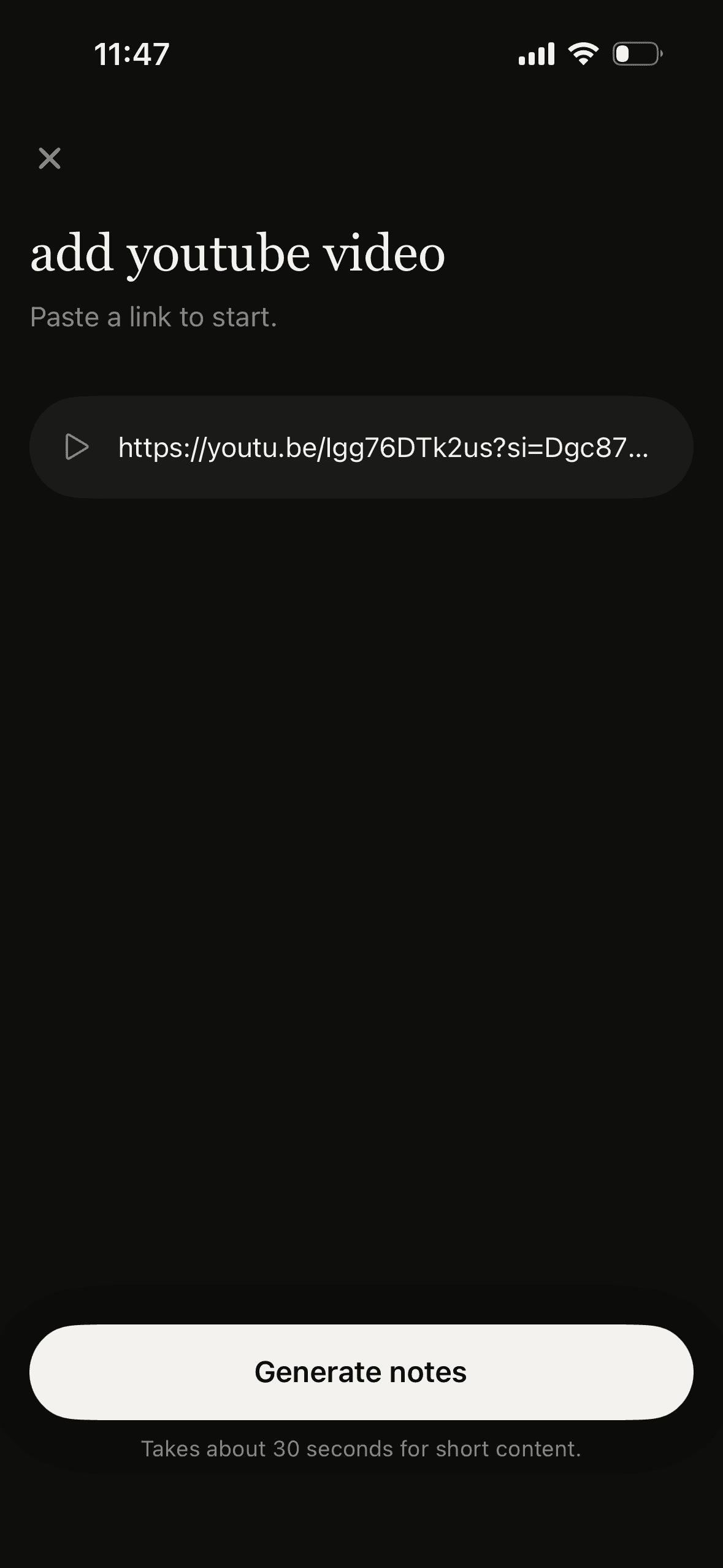
youtube videos
Paste any YouTube link and get clean, structured notes from the video.
Useful for tutorials, lectures, interviews, or long-form content you don't have time to watch end-to-end.
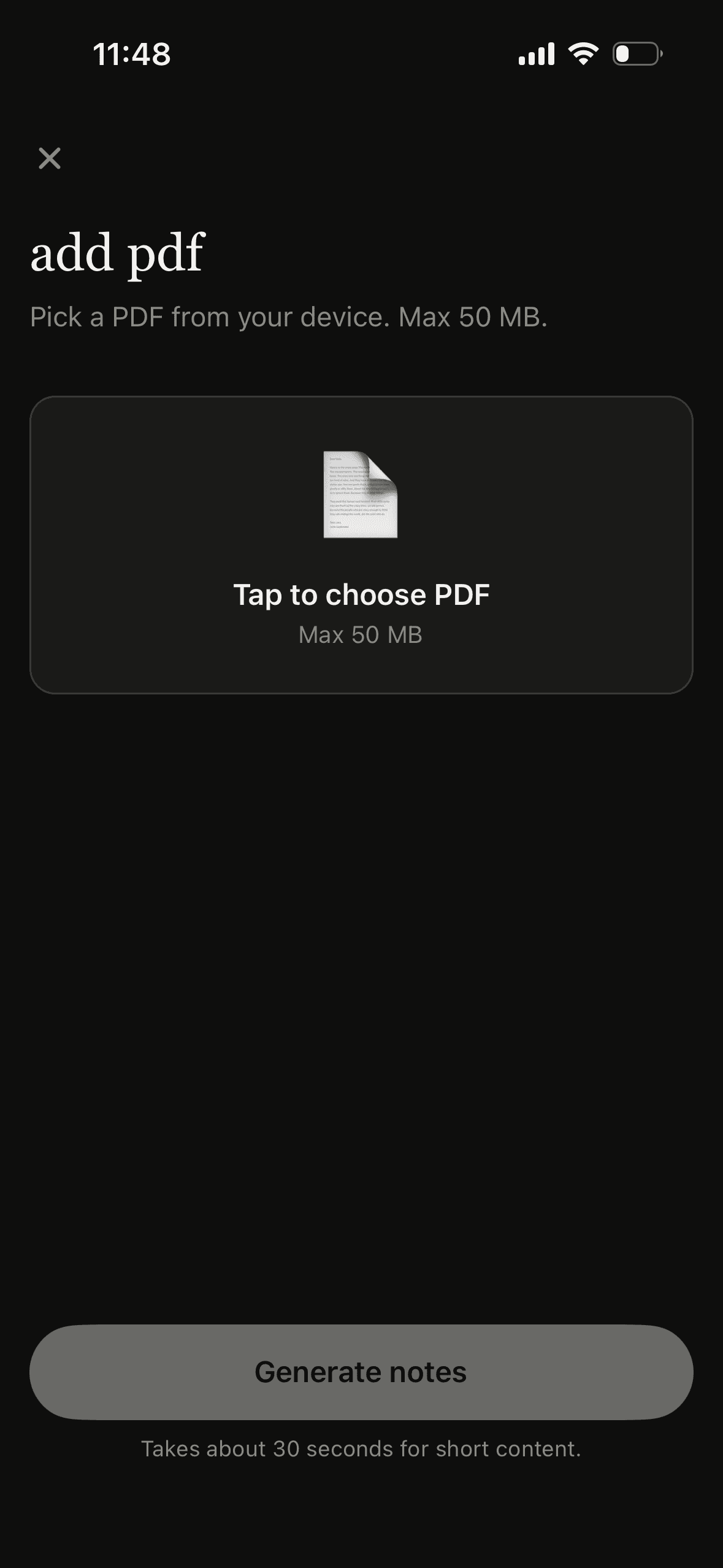
pdf documents
Upload textbooks, research papers, or articles. notegpt extracts the key points without making you re-read the whole thing.
Up to 50 MB per file.
12 languages
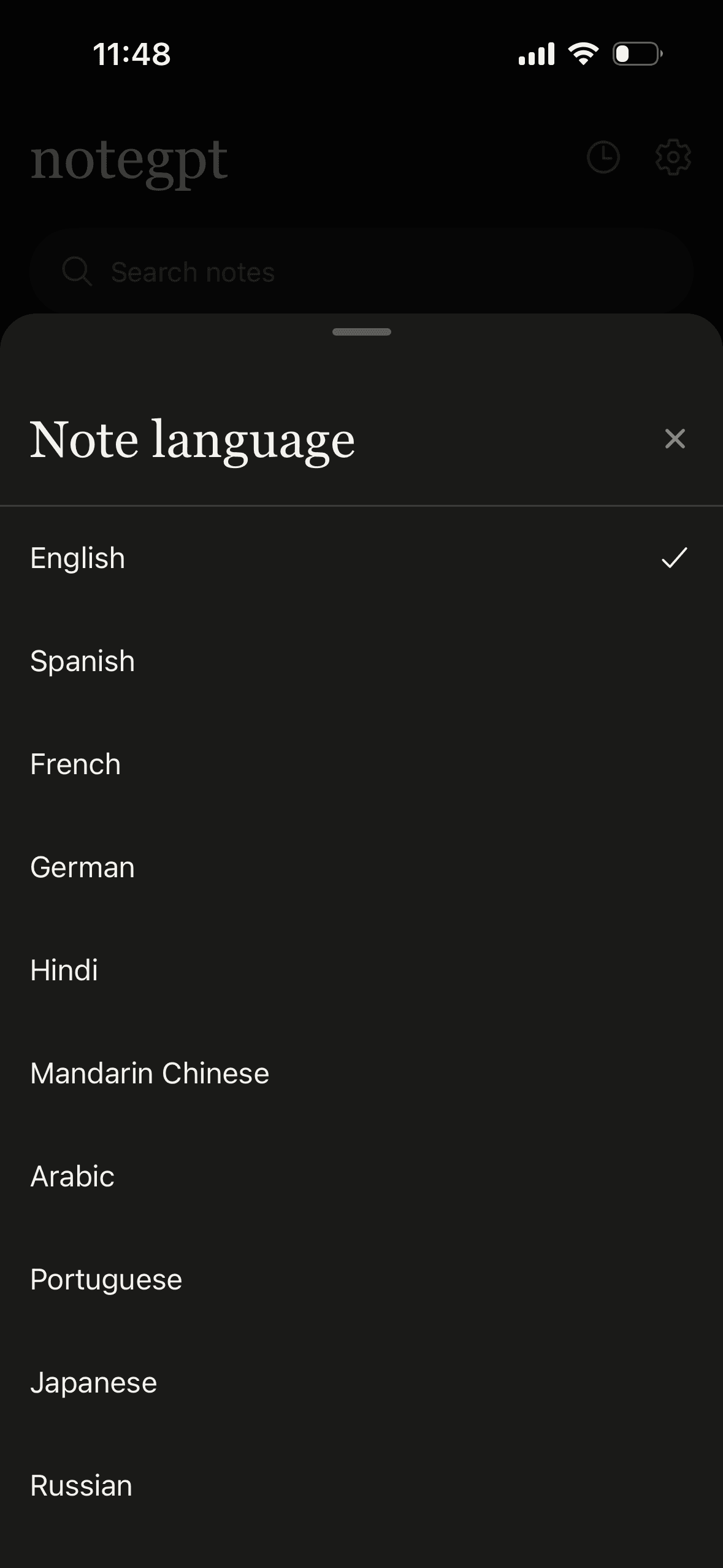
Generate notes in English, Spanish, French, German, Hindi, Mandarin, Arabic, Portuguese, Japanese, Russian, Italian, or Korean.
Set your default language in Settings, or pick a different language for each note. Transcription auto-detects the language of the audio.
flashcards
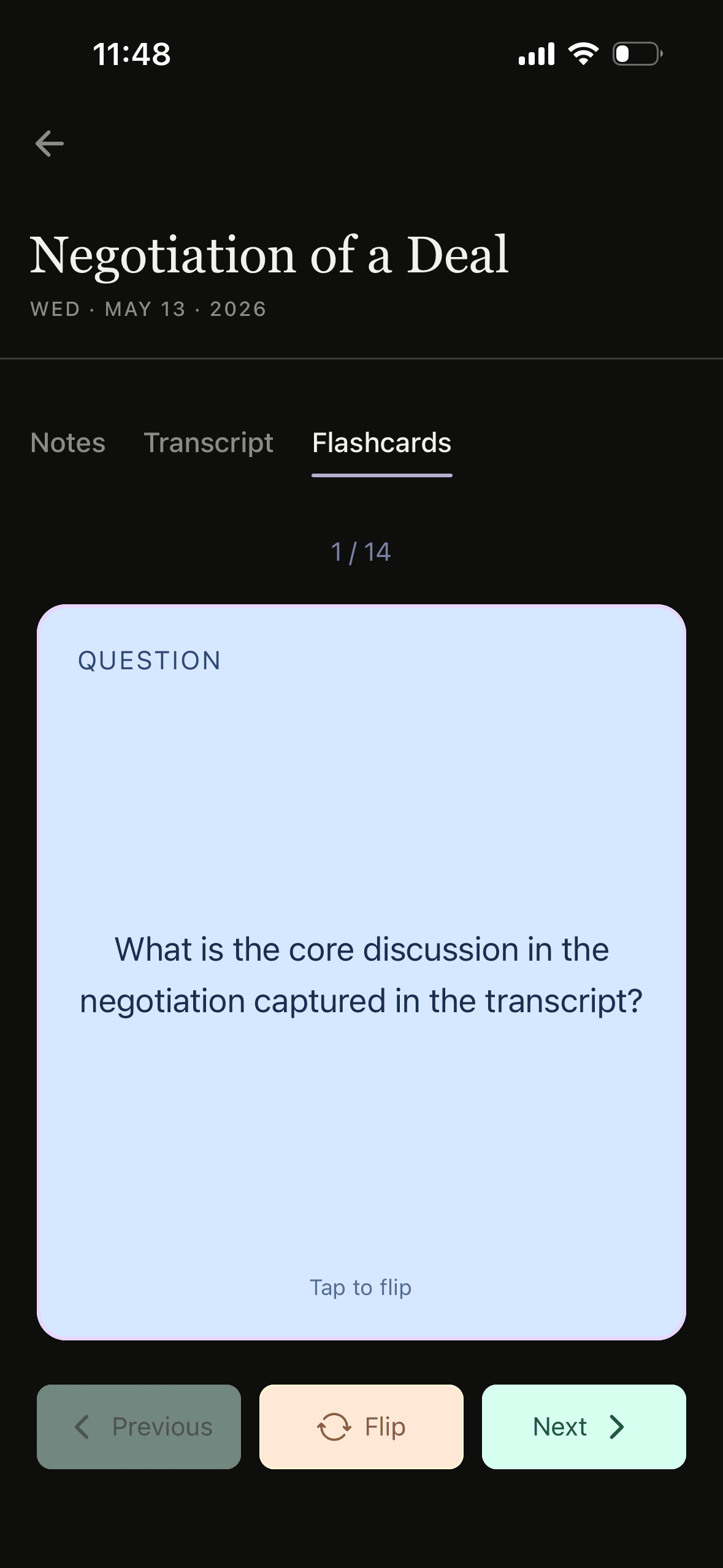
Every note can become a deck of flashcards. notegpt generates question-and-answer pairs from your content automatically.
Tap through, flip cards, study your way.
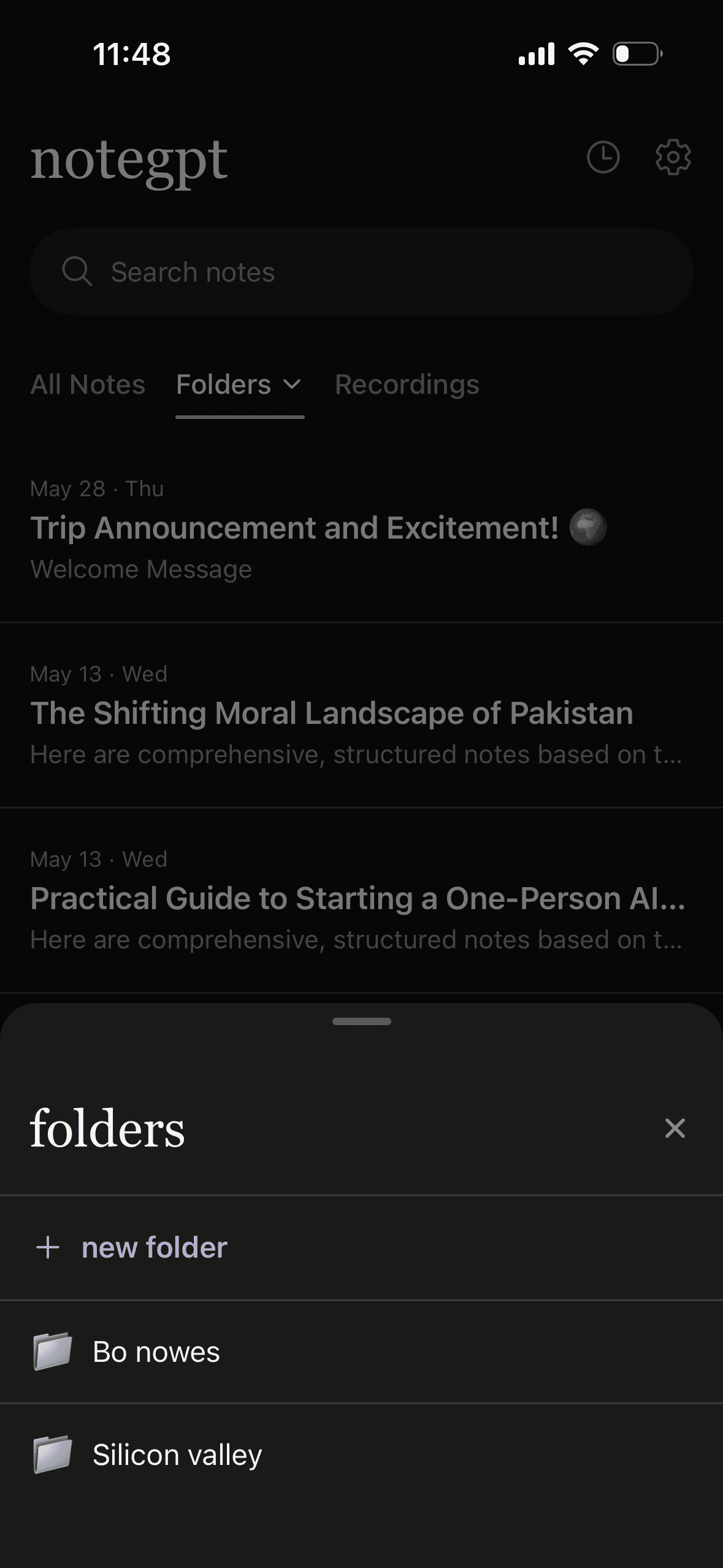
folders
Organize your notes into folders with custom names and emoji.
Group by class, by project, by anything. Filter your notes list to focus on what you're working on.